AlgoType — Turning a Bangkok Library Find into a Free Type Generator
A book on algorithmic type became a free browser tool: modular typography from coverage grids, eight module systems, LFO motion, poster-res PNG and SVG export.
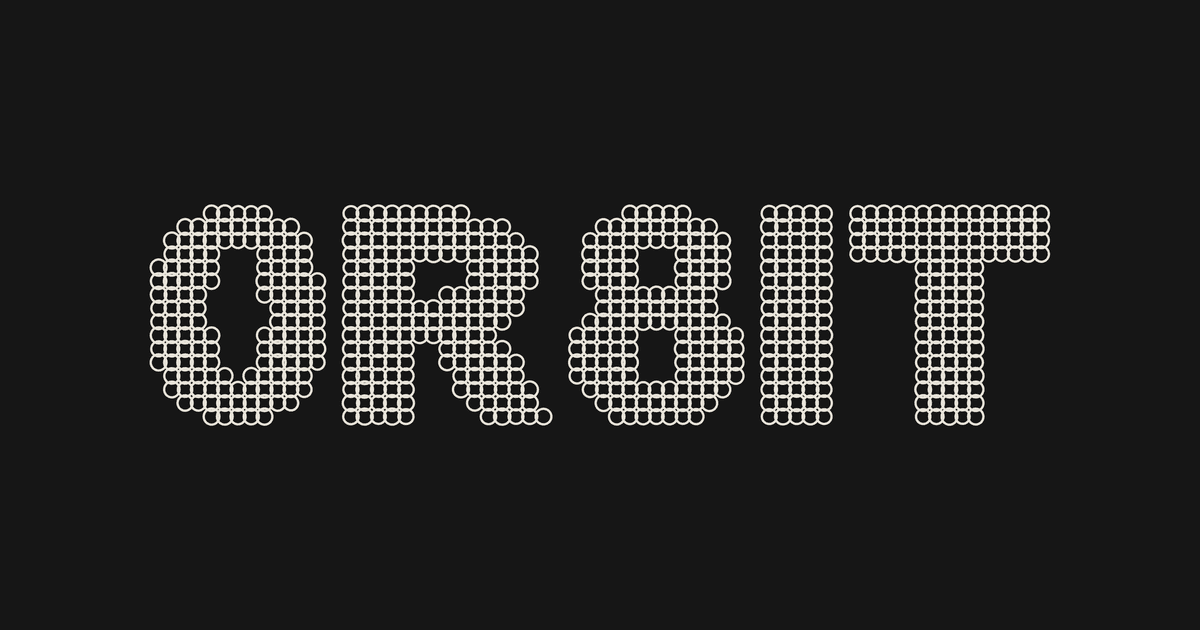
AlgoType is a free, browser-based modular type composer: it rasterizes your text into a coverage grid and rebuilds every letter out of algorithmic modules — points, bars, waves, lace. It is for designers who want a poster, a cover or a social frame that looks made by a system rather than set in a typeface.
It started in a library in Bangkok.
A Book, A Library, And A Long Flight Home
Creative Space is a design library in Bangkok. I went in for an afternoon and left with a photo of one spread I could not stop thinking about: System Process Form: Type as Algorithm by Paul McNeil and Hamish Muir.
The premise of that book is simple and uncomfortable. A letter does not have to be drawn. It can be the visible result of a rule applied to a grid — the same rule, honestly executed, over and over. What you design is the process, not the shape. The shape is what falls out.
Every example in it was a static print of a system that clearly wanted to move. That was the itch. Those systems are procedures, and a procedure that lives on paper is a procedure you cannot turn a knob on.
So I built the knobs. AlgoType is that book’s idea as a live instrument — vibecoded end to end in conversation with Claude, over evenings, without a build step or a framework. It is the first of three tools in the lab.
What It Actually Does
Type your text. AlgoType renders it to an offscreen bitmap, samples that bitmap into a coverage grid, and throws the letterforms away. What remains is a field of values: how much ink each cell wants.
Then a module system redraws that field. Points give you dot-matrix. Bars give you stripes. Waves give you woven corduroy. Lace interlocks. Scallops overlap like roof tiles. Hatches, slants and blocks fill in the rest of the vocabulary — eight systems, each with mode variants.

The grid is the point. Coarsen it and the text dissolves into pattern. Tighten it and the letters snap back into legibility. Legibility becomes a slider, and the interesting compositions usually sit right at the edge where it starts to fail.
What Is Algorithmic (Modular) Typography?
Algorithmic — or modular — typography builds letterforms from repeated geometric units placed by rules, instead of drawing each glyph by hand. The designer defines the system: a grid, a module, and the logic that decides where modules land and how big they get.
The lineage runs from Wim Crouwel’s New Alphabet through Muriel Cooper’s work at MIT to McNeil and Muir’s Type as Algorithm. The letters are a by-product; the system is the design object.
AlgoType makes that loop immediate: change a rule, see every letter respond in the same frame.
How To Use It
- Type something short. Three to six characters. Modular systems eat detail, and long strings turn to mud fast.
- Pick a module system. Start with POINT to read the grid honestly, then move to WAVE or LACE once you know where the mass sits. Each system has a MODE toggle worth cycling.
- Morph A→B. Choose a second system and drag MORPH. FADE cross-dissolves, SPLIT divides the field, ADD stacks both, CARVE subtracts one from the other. CARVE at around 40% is where most of my favourite frames come from.
- Work the grid. COLS and ROWS set resolution, GUTTER sets air, COVERAGE sets how eagerly cells fill. These four do more for a composition than any styling control.
- Add controlled noise. JITTER, SCATTER, ROTATE and DROPOUT break the machine rhythm. Small values. This is seasoning, not the dish.
- Turn on motion. Two LFOs modulate any parameter — morph, phase, rotation, scale — with sine, triangle, saw, square or random shapes.
- RANDOMIZE when stuck. It re-rolls the whole state, and it is not a gimmick: it is faster than reasoning your way to a look you have not seen yet. Re-roll until something surprises you, then tune from there.
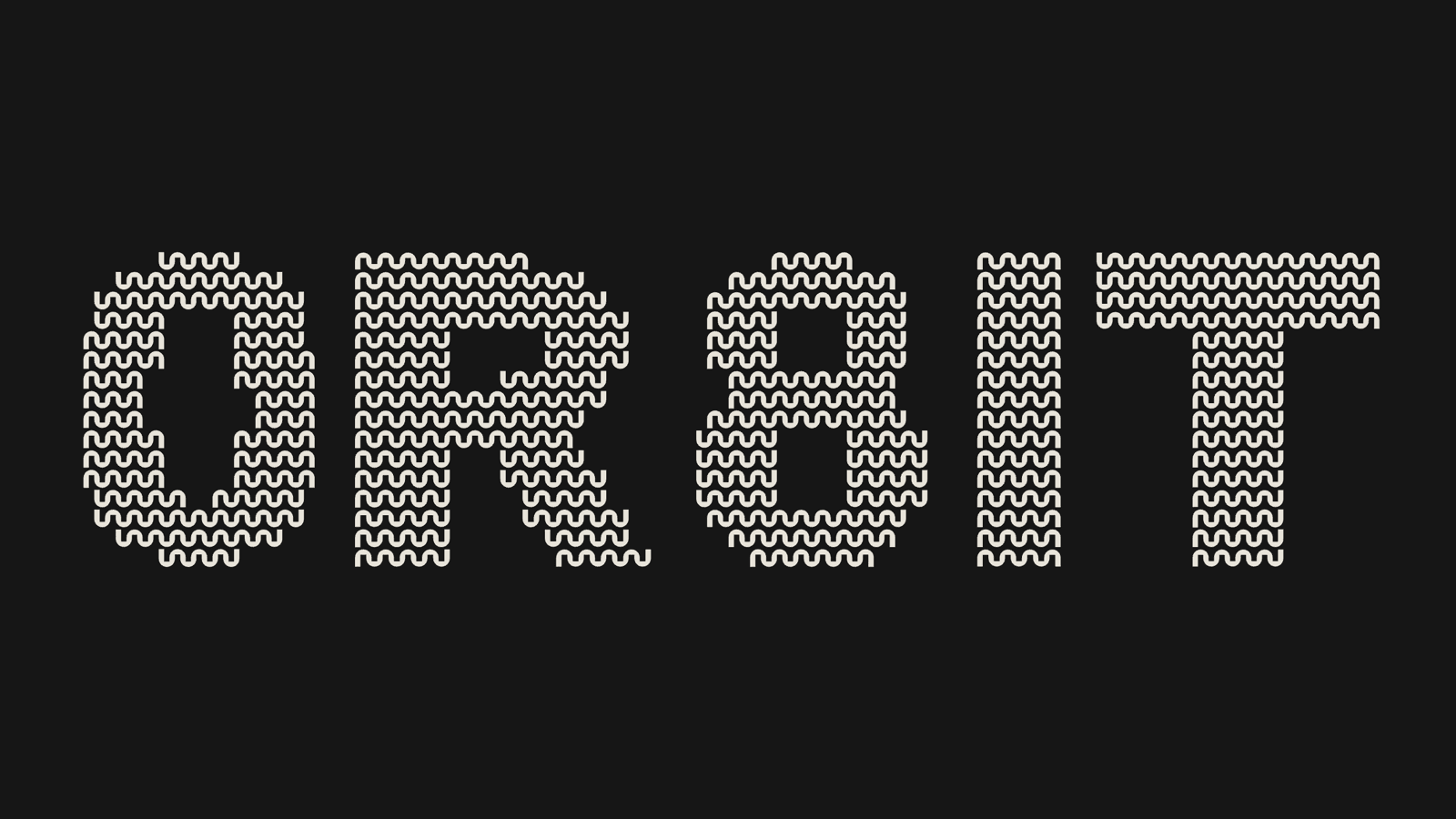
Open AlgoType and try step 7 first. Nothing is saved to a server, nothing is uploaded, and there is no signup — the whole tool runs in your browser tab.
Getting The Work Out
A generator that cannot export is a screensaver. AlgoType exports four ways:
- PNG at poster resolution, in real formats: A-series, 18×24 in, 24×36 in, square, 4:5, 9:16. Print-ready without upscaling.
- SVG as true vector — every module is a real path, so it opens in Illustrator or Figma and stays editable.
- WEBM, an eight-second loop of the LFO motion, for social or as a texture in an edit.
- HTML, a single self-contained file with the animation still running, droppable into a web page.
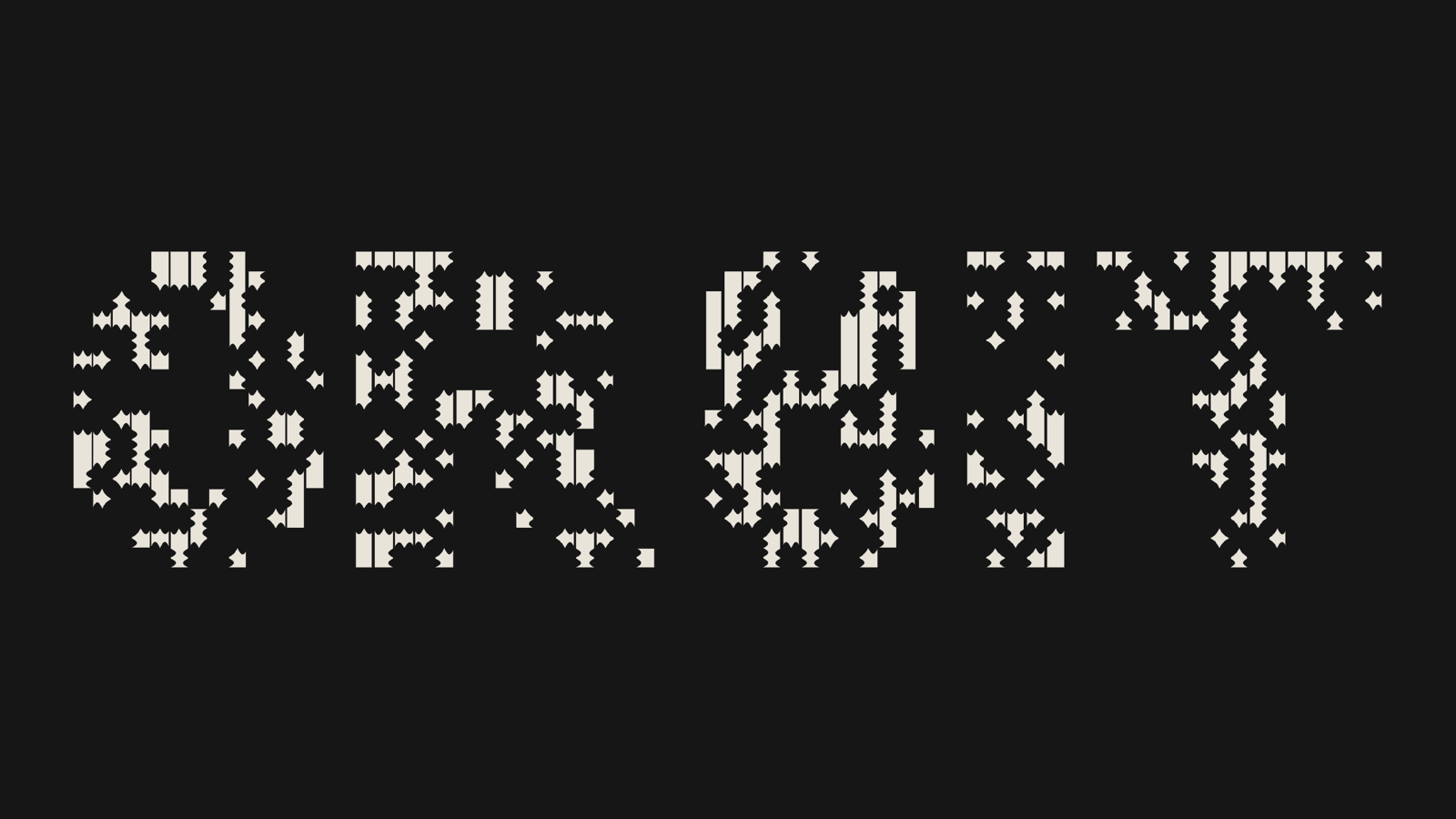
Posters, album art, title cards, event identities, social frames. Everything you export is yours — free for personal and commercial work, no attribution required. A link back is appreciated, and I would genuinely like to see what you make.
Lab Notes, Part 1 Of 3
AlgoType is the first of three free browser tools in this lab.
The motion in AlgoType is what pushed the next one: flat type moving on a grid made me want real depth, real materials and Houdini-style deformation. That became TYPE IN SPACE — animated 3D lettering that records Instagram-ready MP4 loops in the browser. Part 3 goes after pure texture: TEXTURA, a parametric pattern lab with seamless tiles and 3D texture maps.
- Try it: 0r8it.com/lab/algotype
- Next: TYPE IN SPACE — free 3D type animation in the browser
- Then: TEXTURA — parametric textures, seamless tiles, height and normal maps
Three tools, one idea: design the process, and let the artefact fall out of it.
Frequently asked questions
Is AlgoType free to use?
What is a modular or algorithmic type generator?
Can I export vector files for print?
Can AlgoType animate the type?
What inspired AlgoType?
Are there more free generative design tools like this?
Ilias Bikbulatov
Senior Product Designer specializing in fintech trading terminals, design systems, and data-rich B2B products. 10+ years of experience. More posts